WE just stayed at a B&B that had some WiFi setup...
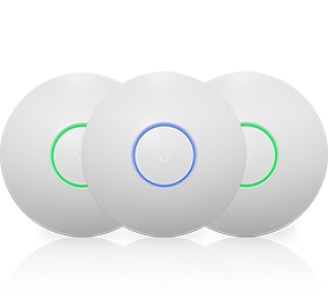
It looks like there was a WRT54G somewhere, but then they had a couple of Ubiquiti devices attached to the ceiling areas on the 2nd and 3rd floors of the old mansion we stayed at.
BUT - there was a problem - On the 1st floor - I could get connected to the AP, and get out to the Internet. One the 2nd floor AP and the 3rd floor AP - I could get connected to the WiFi, but NOT get an IP address, and therefore nothing else.
So - sitting on the first floor, connected, I brought up my WiFi Analyzer App - and I could see all 3 WAP signals - all with the SAME SSID, but on different non-overlap channels.
Not sure where the problem might be location.... For a situation where you have installed multiple WAP devices, does it make sense to have them all use the same SSID, and I'm hoping use only a single DHCP server in the main router ?
Wish I could have played a little with the devices, but this was a quick couple of days relaxing during spring break.